 English
 Türkçe

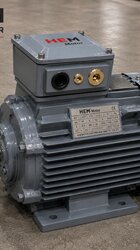
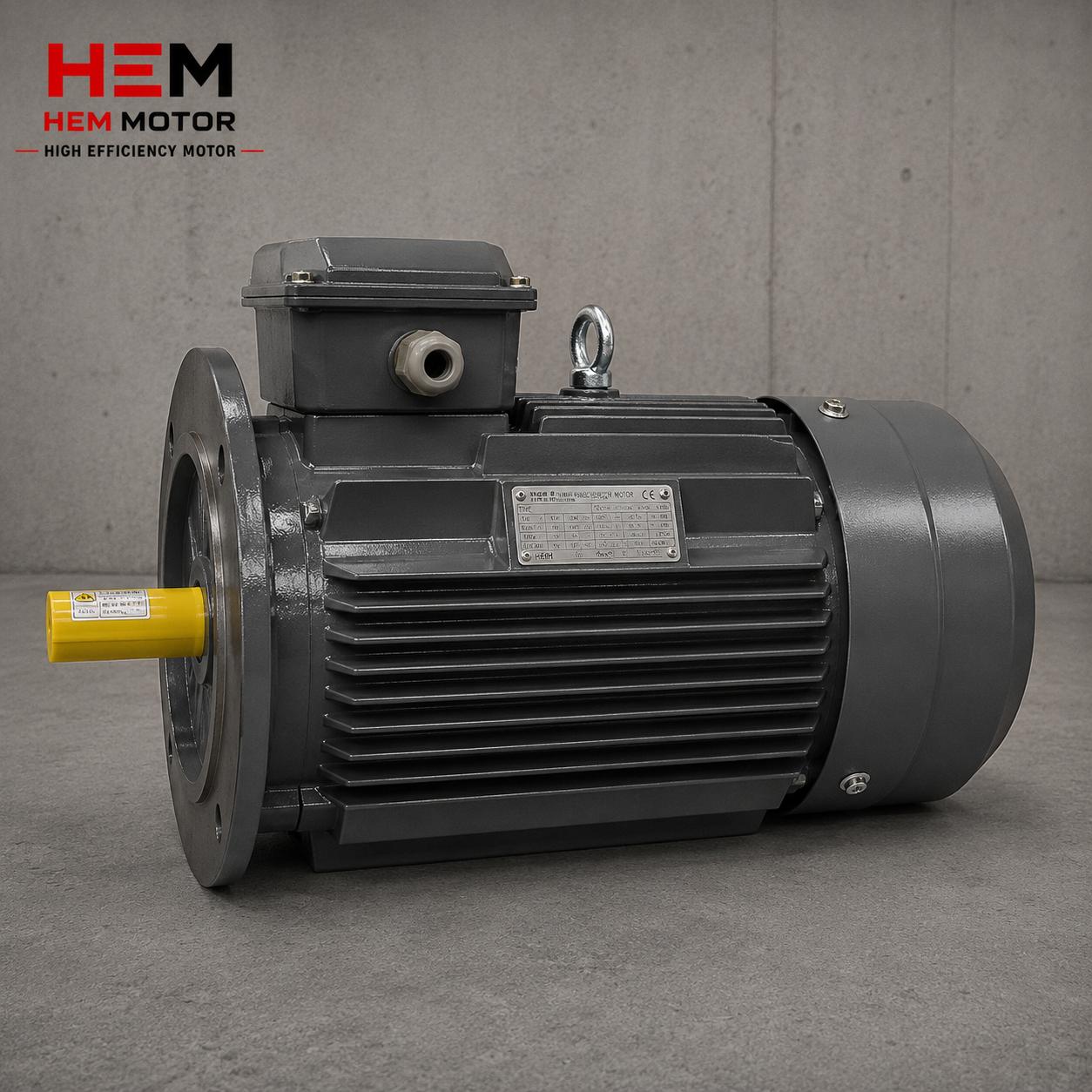

An IE5 synchronous reluctance (SynRM) motor is not a stand-alone product; it is part of a package made up of the motor and the variable frequency drive (VFD) that runs it. For this reason, the question “which motor should I buy” matters just as much as “which drive brand will run this motor correctly.” While almost any drive brand can run an induction motor, the SynRM rotor has no magnets and no squirrel cage, so the drive must have a dedicated “synchronous reluctance / SynRM” control mode. In this article we look at how different VFD brands support SynRM, at the manufacturer’s matched-package recommendation versus an independent drive, at parameter compatibility, the autotune process and the risk of incorrect matching — clarifying the correct brand and model pairing.
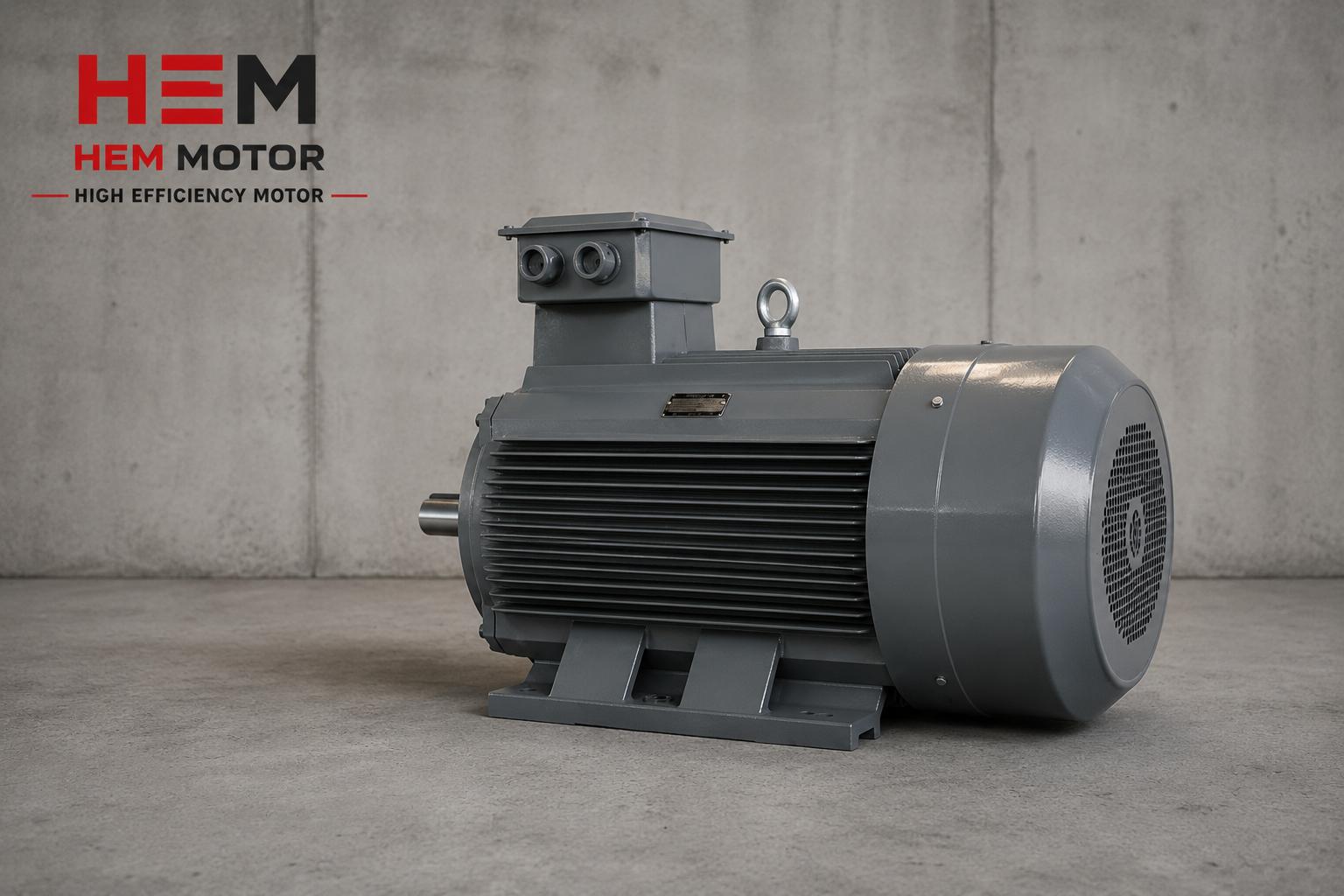
Why SynRM Does Not Run with Every Drive
The rotor of a synchronous reluctance motor has neither a squirrel cage nor permanent magnets; torque arises from the magnetic reluctance difference of a specially shaped lamination stack. This structure makes it impossible for the motor to be connected directly to the grid and start on its own. To turn the motor, the drive must manage the rotor position and the magnetic axis correctly — that is, run a control algorithm specific to SynRM. We explained in detail why SynRM cannot run without a drive in our article Why a SynRM Motor Cannot Run Without a Drive. The basic structural difference between induction and SynRM can be found in IE4 Asynchronous vs Synchronous Reluctance.
In short: for a drive to run a SynRM motor, a “V/f” (scalar) mode is not enough; it must have software designed for vector and, specifically, synchronous reluctance / PM motor control.
SynRM Support Across Different VFD Brands
Today a significant share of the major drive brands support synchronous reluctance motor control; however, the level of support varies by brand and product series. In general there are three cases:
- Full SynRM support: The drive menu directly offers a “SynRM” or “synchronous reluctance” motor type; autotune is optimized for this motor.
- Support via PM/synchronous: The drive does not list SynRM directly but supports a permanent magnet (PM) synchronous motor mode; some SynRM motors can be driven this way when the manufacturer provides the parameters.
- Induction-only support: Economy or older series drives offer only induction (scalar/vector) control; these drives are not compatible with SynRM.
To understand the control difference between SynRM and PM motors, our article IE5 Synchronous Reluctance vs Permanent Magnet (PM) Motor is a good starting point.
What to Check in Brand Matching
To decide whether a drive suits your SynRM motor, check these items:
- Does the motor-type menu offer “SynRM”, “Synchronous Reluctance” or “Reluctance Assisted”?
- Are the drive power and current compatible with the motor rated current and, if needed, the overload profile?
- Is the autotune (motor identification) procedure defined for a synchronous motor?
- Is closed-loop (with encoder) or open-loop (sensorless) control required?
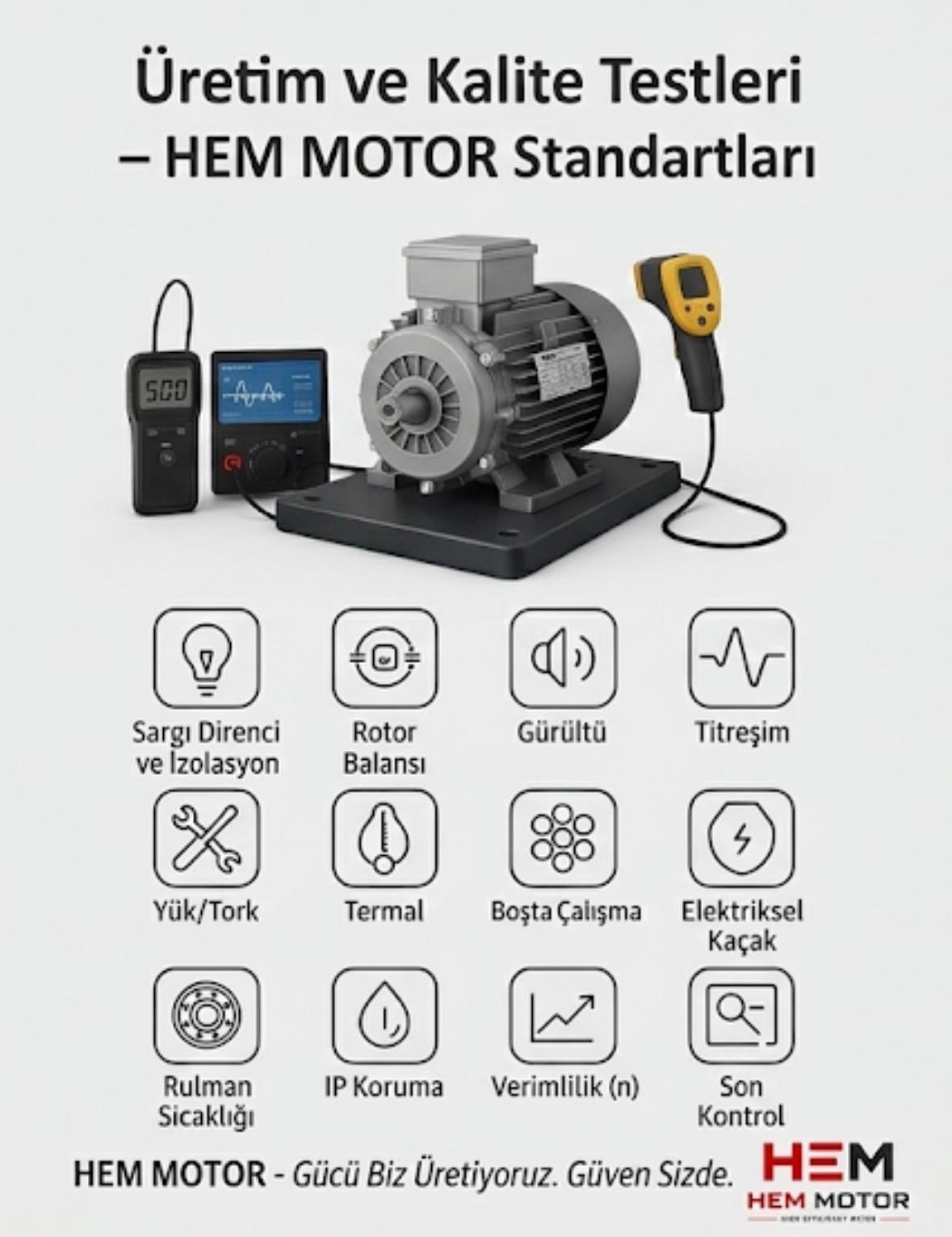
Manufacturer Matched Package or Independent Drive?
There are two main paths in SynRM supply:
1) Manufacturer Matched Motor + Drive Package
In a package the motor manufacturer supplies together with its own drive, the motor parameters (rated current, magnetic-axis data, autotune settings) are pre-defined in the drive. This shortens commissioning, reduces autotune risk and keeps warranty and responsibility in one place. We discussed why the package logic stands out for SynRM in Drive and Installation Compatibility When Switching to IE5.
2) Independent (Different Brand) Drive Selection
If the plant already has a standard drive brand, or another brand is preferred for stock/service reasons, it is possible to run a SynRM motor with an independent drive — but only if that drive supports the synchronous reluctance mode. In this case the motor parameter table (rated values, equivalent circuit quantities) must be obtained from the manufacturer and entered into the drive correctly. We explain the parameter-setting steps in Drive Parameter Setting for an IE5 SynRM Motor.
Parameter Compatibility and Autotune
The heart of correct operation on a drive is introducing the motor parameters to the drive accurately. While for an induction motor a few nameplate values (power, voltage, current, speed) often suffice, for SynRM additional quantities such as magnetic-axis data and d-q inductance values become important. On most drives this is measured automatically by an autotune (motor identification) procedure:
- Standstill (static) autotune: Parameters are measured without rotating the motor; used when the load is coupled.
- Rotating (dynamic) autotune: Measurement is made while the motor runs uncoupled; the most accurate result, applied when the load can be disconnected.
If autotune is not done correctly, the motor runs with vibration, struggles to start or fails to deliver the expected torque and efficiency. We covered the role of nameplate data in ordering and commissioning in Reading the Nameplate of an IE5 SynRM Motor, and the difference in rated current and power factor versus induction in Rated Current and Power Factor of an IE5 SynRM Motor.
Correct Matching in a Multi-VFD Selection
If a plant has more than one SynRM motor or different drives are considered for different applications, consistency matters in a “multi-VFD” selection:
- Set a standard brand: For spare parts, service and operator familiarity it is advantageous to standardize on one drive brand — but that brand must support SynRM across your whole power range.
- Check the power range: In some brands SynRM support is only available in certain power series; small and large ratings may not use the same series.
- Align the control method: For variable-torque loads like pumps and fans sensorless may suffice; for constant torque and precise positioning, encoder control may be required.
- Panel and supply compatibility: The drive input voltage and DC-bus structure must match the plant supply. We covered this in DC-Bus Voltage and Supply of an IE5 SynRM Drive.
Grounding and EMC measures in a drive system must not be neglected whatever the brand; we examined shielded cable and bearing current in VFD and Harmonic-Induced Bearing Current in an Induction Motor — the principles also apply to SynRM.
The Risk of Incorrect Matching
Connecting a SynRM motor to a drive that does not support it, or entering parameters incorrectly, leads to:
- The motor cannot start or stalls at low speed.
- Excessive vibration, noise and heating, which shorten bearing and winding life.
- The expected IE5 efficiency is not achieved; the savings rationale collapses.
- Warranty dispute: running outside the motor manufacturer’s approved drive list may be considered out of warranty.
For thermal behavior and correct sizing see Thermal Behavior and Cooling of an IE5 SynRM Motor, and for drive compatibility in geared drive see Geared Drive with an IE5 SynRM Motor.
Open-Loop (Sensorless) and Closed-Loop (Encoder) Control
When driving a SynRM motor, the drive needs to know the rotor position. This position information is obtained in two ways, and which one is chosen depends on the precision of the application:
- Open-loop (sensorless): The drive estimates the rotor position with a mathematical model and current/voltage measurements; no separate encoder is needed. It is usually sufficient and lower cost for variable-torque applications such as pumps, fans and compressors. However, at very low speeds and near zero speed, position estimation becomes difficult.
- Closed-loop (with encoder): An encoder fitted to the rear end of the motor measures the rotor position directly. It is preferred in applications requiring full torque at zero speed, precise positioning and high dynamics. In this case the motor may need to be ordered as a double shaft (with an encoder seat at the rear end).
It must be confirmed that the drive brand supports both control modes for SynRM; some economy series offer only the sensorless mode. The torque required at the lowest speed of your application determines which mode is needed. We explained SynRM’s superior part-load behavior in The Efficiency Curve of an IE5 SynRM Motor, and torque response under sudden load change in Torque Response Under Sudden Load Change in an IE5 SynRM Motor.
Drive Sizing: Power or Current?
Selecting the drive for a SynRM motor by looking only at the kW value is a mistake. Since the power factor and current behavior of SynRM can differ from induction, the drive must be selected according to the motor rated current and, if needed, the overload profile:
- Continuous operating current: The drive continuous current capacity must be equal to or above the motor rated current.
- Overload profile: If there is a transient current demand at start or under impact load, the drive must be selected to meet this profile.
- Temperature and mounting derating: The drive may experience power reduction (derating) under conditions such as high panel temperature or high altitude.
We detailed the difference in SynRM’s current and power-factor behavior versus induction in Rated Current and Power Factor of an IE5 SynRM Motor. An incorrectly sized drive cannot drive the motor to full load or repeatedly trips.
Step-by-Step Check at Commissioning
After the correct brand and model are chosen, the following steps are followed during commissioning:
- The SynRM (or appropriate PM/synchronous) mode is selected from the motor-type menu.
- Nameplate values (power, voltage, current, speed, frequency) and the additional parameters provided by the manufacturer are entered.
- Autotune (static or dynamic) is run; the motor parameters are measured.
- It is run uncoupled to check rotation direction, vibration and noise.
- The load is coupled and the start behavior and full-load stability are observed.
We explained the role of drive and installation compatibility in commissioning in Drive and Installation Compatibility When Switching to IE5, and the parameter-setting details in Drive Parameter Setting for an IE5 SynRM Motor. If vibration and noise are higher than expected during commissioning, the autotune results and parameter entry should be checked first.
Retrofit: Adding SynRM + Drive to an Existing System
When replacing an old induction motor with an IE5 SynRM + drive package, mechanical and electrical compatibility must be considered as much as drive-brand compatibility. The frame size, foot dimensions and shaft diameter must be compatible with the old motor; on the panel side, enough space, supply and cooling must be planned for the drive. We covered the retrofit steps in Replacing an Old Motor with IE5 + Drive. We examined the harmonic and bearing-current topics that arise when a drive is added in VFD and Harmonic-Induced Bearing Current in an Induction Motor; the same measures apply in a SynRM retrofit.
Frequently Asked Questions
Will every drive brand run a SynRM motor?
No. The drive menu must include synchronous reluctance (SynRM) or at least permanent magnet (PM) synchronous motor control. Drives offering only induction (scalar/vector) control are not compatible with SynRM. The safest path before ordering is to request the motor manufacturer’s approved drive list.
Do I have to buy the drive of the same brand as the motor?
Not necessarily. The manufacturer’s matched package makes commissioning easier and keeps responsibility in one place; however, a different-brand drive that supports the SynRM mode can also be used with the correct parameters and autotune. If your plant has a drive brand standard, proceed by verifying that brand’s SynRM support.
What happens if autotune is not performed?
Autotune introduces the motor’s magnetic parameters to the drive. If it is not done, or done incorrectly, the motor runs with vibration, struggles to start and cannot deliver the expected torque and IE5 efficiency. If the load can be disconnected, rotating autotune gives the most accurate result; if the load is coupled, static autotune is used.
Get a Quote for the Right SynRM + Drive Package
If you are struggling to decide which drive brand and model to pair with your IE5 synchronous reluctance motor, contact us for a compatibility-verified package that suits your application and your existing drive standard. The HEM Motor team guides you on motor-drive matching and commissioning.
Phone: +90 (532) 345 49 86 — reach us via our Get a Quote page, and review all efficiency classes in our IE5 Electric Motors category and on our home page.
Checklist: SynRM Drive Matching
- Does the drive menu have a SynRM / synchronous reluctance mode?
- Are the drive power and current compatible with the motor rated values?
- Has the motor manufacturer’s approved drive list been obtained?
- Matched package or independent drive — is responsibility clear?
- Is the autotune type (static/dynamic) suitable for the application?
- Has it been determined whether encoder or sensorless control is needed?
- In a multi-drive setup, does the single-brand standard cover the whole power range?
- Are supply voltage, DC bus and EMC/grounding measures planned?